Home About Courses Why Choose Us Gallery Contact 📲 WhatsApp Us
OUR COURSES

Video Editing &
Motion Graphics
with AI

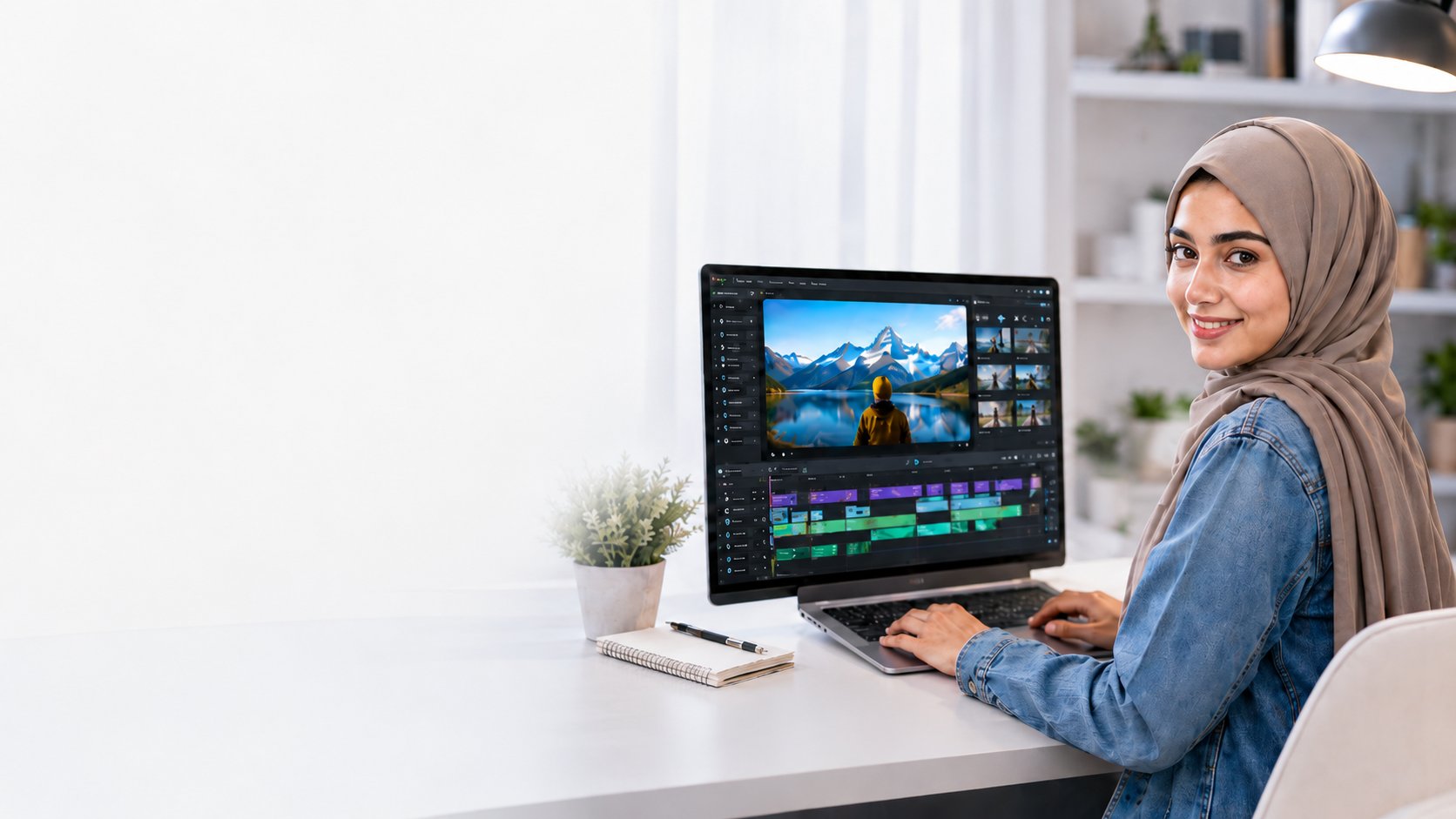
Video Editing & Motion Graphics with AI Course

Learn professional editing, motion graphics, reels, and AI-powered creative workflows.

Pr
Premiere Pro
Ae
After Effects
CapCut
Ps
Photoshop
AI
AI Tools

About This Course

This 2-month course is designed for beginners and creative learners who want to learn professional video editing, motion graphics, and AI-powered content creation. Students will learn Premiere Pro, After Effects, CapCut, Photoshop, and practical AI tools through hands-on projects and real creative workflows.

Whether you're looking to start a freelance career, grow your YouTube channel, or work in a media agency — this course gives you everything you need to produce professional-quality content with confidence.

What You'll Learn

Edit professional videos in Adobe Premiere Pro
Create motion graphics in Adobe After Effects
Create reels, shorts, ads, and social media videos
Design thumbnails and graphics in Photoshop
Add transitions, effects, captions, music, and sound design
Use AI tools to speed up editing and creativity
Fast mobile editing workflows with CapCut
Build a portfolio-ready final project

Course Curriculum

01
Introduction to Video Editing & AI Workflow
5 Lessons
  • Course orientation and tools overview
  • Introduction to video editing fundamentals
  • Overview of AI tools in content creation
  • Setting up your workspace in Premiere Pro
  • Importing and organizing media files
02
Premiere Pro Basic Editing
8 Lessons
  • Timeline navigation and cutting techniques
  • Adding and adjusting audio tracks
  • Color correction and basic color grading
  • Transitions and visual effects
  • Text overlays and lower thirds
  • Exporting for different platforms
  • Working with project sequences
  • Hands-on editing practice project
03
Premiere Pro Advanced Editing
8 Lessons
  • Advanced color grading with Lumetri
  • Multi-camera editing workflow
  • Speed ramps and time remapping
  • Audio mixing and sound design
  • Auto-captions and subtitle workflows
  • Masking and advanced effects
  • Creating a short cinematic piece
  • Social media content format optimization
04
CapCut Orientation for Fast Editing
6 Lessons
  • CapCut interface and tools overview
  • Creating reels and shorts from scratch
  • Using CapCut AI features (auto-cut, captions)
  • Trending templates and effects
  • Mobile vs desktop workflow tips
  • Publishing and scheduling content
05
After Effects Introduction
6 Lessons
  • After Effects interface walkthrough
  • Keyframes and animation basics
  • Layer types and blending modes
  • Motion paths and easing
  • Intro to expressions
  • First animated composition project
06
After Effects Motion Graphics
8 Lessons
  • Building animated title sequences
  • Logo animation and reveal techniques
  • Kinetic typography
  • Particle effects and visual FX
  • Motion graphics for social media
  • Green screen and chroma keying
  • Exporting for web and broadcast
  • Real brand project: animated intro
07
Photoshop Orientation for Video Editors
5 Lessons
  • Photoshop for video thumbnail creation
  • Background removal and compositing
  • Typography and branding for thumbnails
  • Batch editing and template usage
  • Exporting optimized assets for video
08
Final Project & Portfolio Building
4 Lessons
  • Final project brief and planning
  • Portfolio showcase video production
  • Freelancing platforms and client finding
  • Certification and next steps
Note: Curriculum is updated regularly to match current tools and industry trends.

Tools & Technologies You'll Work With

Pr
Adobe Premiere Pro
Ae
Adobe After Effects
CapCut
Ps
Photoshop
AI
AI Tools

Career Opportunities

🎬
Video Editor
Motion Graphics Designer
📱
Social Media Content Creator
▶️
YouTube Editor
💼
Freelance Video Editor
🚀

Ready to Start Your Journey?

Join thousands of students who are building successful careers with in-demand skills today!

WhatsApp Us Now  →